
Overview
Filters help you narrow down connection searches and focus on the most relevant introduction paths.
In the new Vieu experience, filters can be applied in three ways:
1. Automatic filters from search
When searching through Connector Agent, Vieu can automatically apply filters based on your query.
For example:
- Find VP and CXO connections across @ACME
- Find Engineering Leaders in @My Strategic Accounts List
- Show sales stakeholders at @Northstar AI
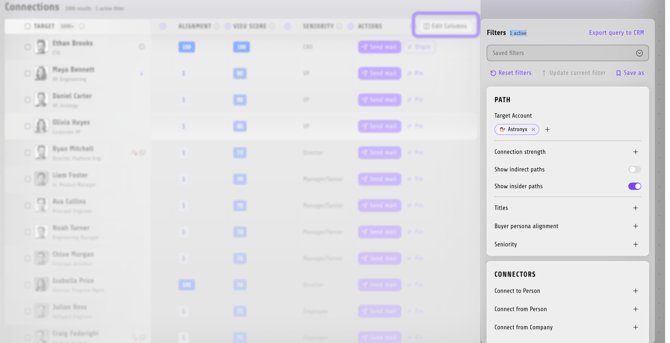
When redirected to Connections Vieu, the relevant filters are already applied so you can immediately explore results.
2. Default connection filters
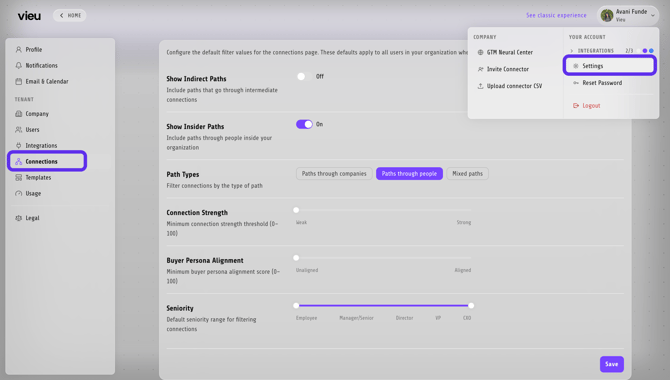
You can configure default filters that are automatically applied every time you search.
To configure default filters:
Settings → Connections → Default Connection Filters
These filters become your starting view whenever you open Connections Vieu.
3. Manual filters
You can also apply, remove, or adjust filters directly inside Connections Vieu at any time.
Where Filters Are Used
Filters are available within Connections Vieu and help refine search results after searching for:
- Accounts
- People
- Target Account Lists
- People Groups
Below is an overview of the available filters and how each one helps narrow down your connection search.
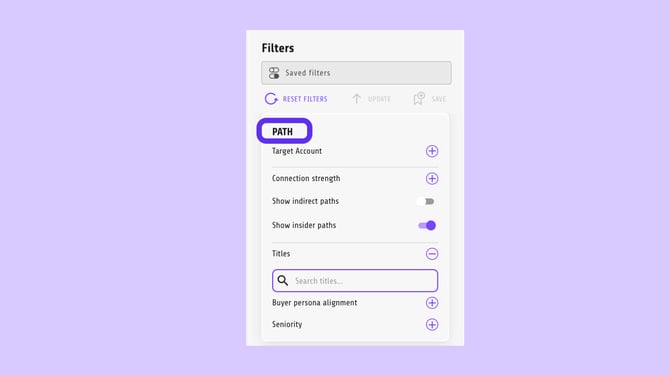
Path Filters
-
Target Account - Defines the company or cohort you want to get introduced into.
-
Connection Strength - Filters paths by relationship strength: strong or weak.
-
Show Indirect Paths - Include paths where the introduction happens through one or more intermediaries instead of a direct connection.
-
Show Insider Paths - Show paths that include insiders, people who have first-hand experience with the target account such as employees, customers, partners, or advisors.
-
Titles - Filters people by job title.
-
Buyer Persona Alignment - Focus on paths that include people who match (or don’t match) your defined buyer persona.
-
Seniority - Filters people by level: Employee, Manager, Director, VP, or CXO.
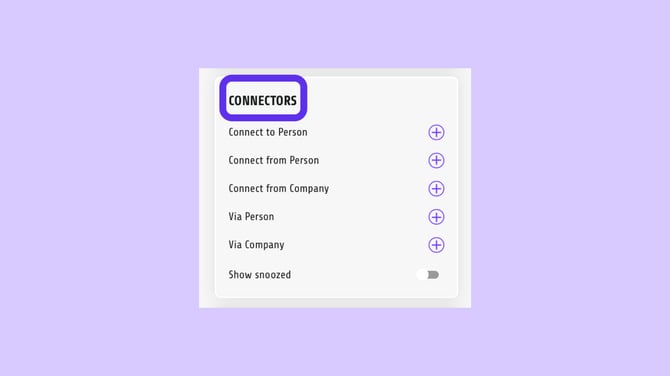
Connectors Filters
-
Connect to Person - Specifies the exact individual you want to reach.
-
Connect from Person - Specifies who the introduction should originate from.
-
Connect from Company - Limits paths to people associated with a specific company.
-
Via Person - Forces the path to pass through a specific individual.
-
Via Company - Forces the path to pass through a specific company.
-
Show Snoozed - Includes previously snoozed connection paths.
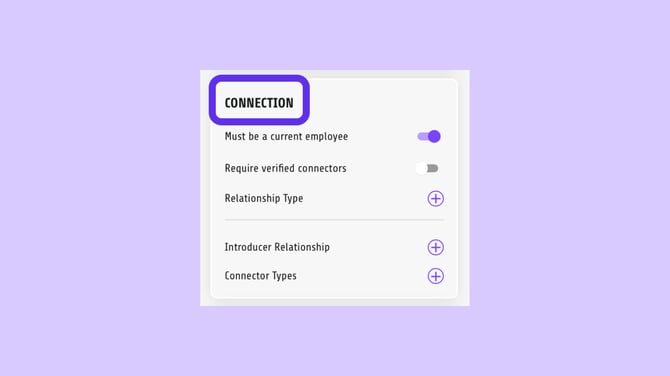
Connection Filters
-
Must Be a Current Employee - Ensures connectors are currently employed at their company.
-
Require Verified Connectors - Shows only verified, high-confidence connectors.
-
Relationship Type - Filters by the type of relationship (e.g., LinkedIn, Close Collaborator, Social Activity).
-
Introducer Relationship - Filters by how strong the introducer’s relationship is.
-
Connector Types - Filters connectors by role (employee, customer, partner, investor).
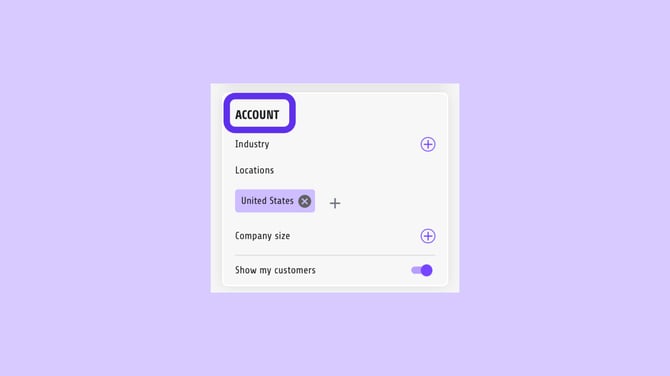
Account Filters
-
Industry - Filters target accounts by industry.
-
Locations - Filters accounts by geographic location.
-
Company Size - Filters accounts by company size.
-
Show My Customers - Includes existing customers in the results.
You can save and pin filter combinations to quickly reuse them and keep your most-used views easily accessible.
Need Help?
If you need help, you can write to us at vieu@valet.com.